Generation fit
Sora 2 is positioned for narrative prompts, while Vidmonto keeps the model output connected to review and finishing controls.
AI video model inside Vidmonto
Use Sora 2 in Vidmonto to create AI videos from text or images, then refine the result with storyboard, captions, music, visual controls, preview, and export.
Sora 2 is useful for expressive scenes, narrative prompts, and experiments where prompt following drives the final feeling.
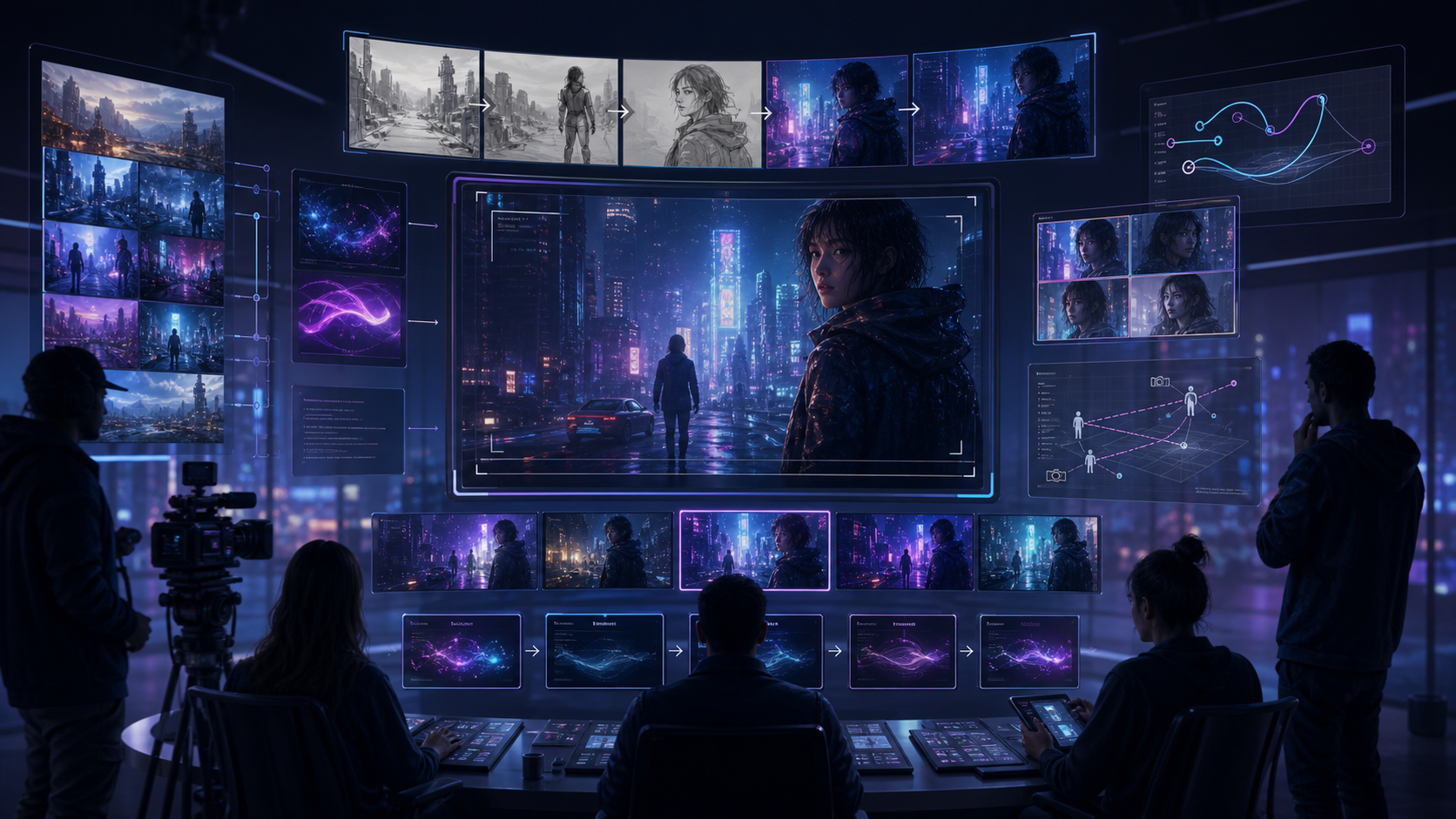
Text + image model
Sora 2
Prompt
Create a cinematic Sora 2 scene with realistic camera movement, strong lighting, and a finished brand-video feel.
The reference model page format works because it explains both the model and the job it helps finish. This page does the same for Vidmonto: generation first, then review, captions, music, and export.
Sora 2 is positioned for narrative prompts, while Vidmonto keeps the model output connected to review and finishing controls.
Start with a prompt, image, or source clip where supported, then continue into storyboard thinking, preview, captions, music, and export.
Use Sora 2 when its visual behavior matches the brief, then refine the generated take without switching to a separate editor.
The page is built for creators shipping finished short videos: ads, product clips, UGC-style edits, launch posts, and campaign variations.
Use Sora 2 for this direction when you need a model output that can move straight into captions, music, visual polish, and export.
Use Sora 2 for this direction when you need a model output that can move straight into captions, music, visual polish, and export.
Use Sora 2 for this direction when you need a model output that can move straight into captions, music, visual polish, and export.
Strong prompt following
Native audio-capable workflow
Text and image inputs
The public page explains the model workflow; the CTA opens the real Vidmonto workspace with Sora 2 selected.
Describe the video goal
Write the subject, camera motion, mood, format, and any source image direction before opening Sora 2.
Choose Sora 2 and output settings
Select Sora 2, choose the aspect ratio and duration, then generate a first take for review.
Generate, refine, and download
Pick the strongest take, refine the video with captions and audio, then export the finished asset.
These examples are built for creators who need a finished post, ad, or product clip rather than a raw model experiment.
Open Sora 2Prompt idea: A cinematic product launch scene with soft camera movement, realistic lighting, and a polished commercial mood. Build the baseline with Sora 2, then refine captions, music, and final delivery in Vidmonto.
Prompt idea: Create three fast variations of the same social video concept with different pacing and camera direction. Build the baseline with Sora 2, then refine captions, music, and final delivery in Vidmonto.
Prompt idea: Turn a campaign idea into a 6-10 second creator-style clip with captions, music, and a clean final export. Build the baseline with Sora 2, then refine captions, music, and final delivery in Vidmonto.
Sora 2 Pro is the higher-resolution Sora path for teams that want more fidelity from prompt-led scenes.
Compare modelVeo 3.1 Quality is the higher-fidelity Veo route for cinematic brand clips and polished commercial-looking scenes.
Compare modelSeedance 2.0 is a balanced model for storyboard-first videos, image starts, and polished creator workflows.
Compare modelYes. Vidmonto routes supported Sora 2 generations from the workspace, then keeps storyboard, preview, caption, music, and export controls in the same flow.
Sora 2 is available for the input modes listed in Vidmonto's model picker. When image input is supported, you can start from product photos, references, or storyboard frames.
Yes. Vidmonto is built for post-production after generation, including visual adjustments, captions, music, voiceover, and final assembly.
No. You can start with a prompt and let Vidmonto guide the workflow, or open the model and output settings when you need more control.
Yes. Vidmonto supports social-friendly aspect ratios where the selected model supports them, including vertical and widescreen formats.
No. This is a public model guide for discovery and comparison. The call-to-action opens the actual Vidmonto workspace.
Start with Sora 2, then keep going through preview, captions, music, effects, and export without rebuilding the project in another tool.
Generate with Sora 2