AI video alternative guide
Best Runway Alternatives for AI Video Generation
Runway can be useful, but many creators look for alternatives when they need more model choice, more production control, or a smoother path from generation to a finished video.
This guide compares practical Runway alternatives for creators who care about model choice, production control, captions, audio, preview, and export instead of only the first generated clip.
Why look for a Runway alternative?
generation credits feel limiting
the workflow still needs separate editing tools
teams want more model choice before committing to one output
Top Runway alternatives
These options are ordered for practical video production. The goal is not just to find another generator, but to understand where each tool fits in the path from idea to a finished asset.
1. Vidmonto
Best for: all-in-one Runway alternative for finished AI videos
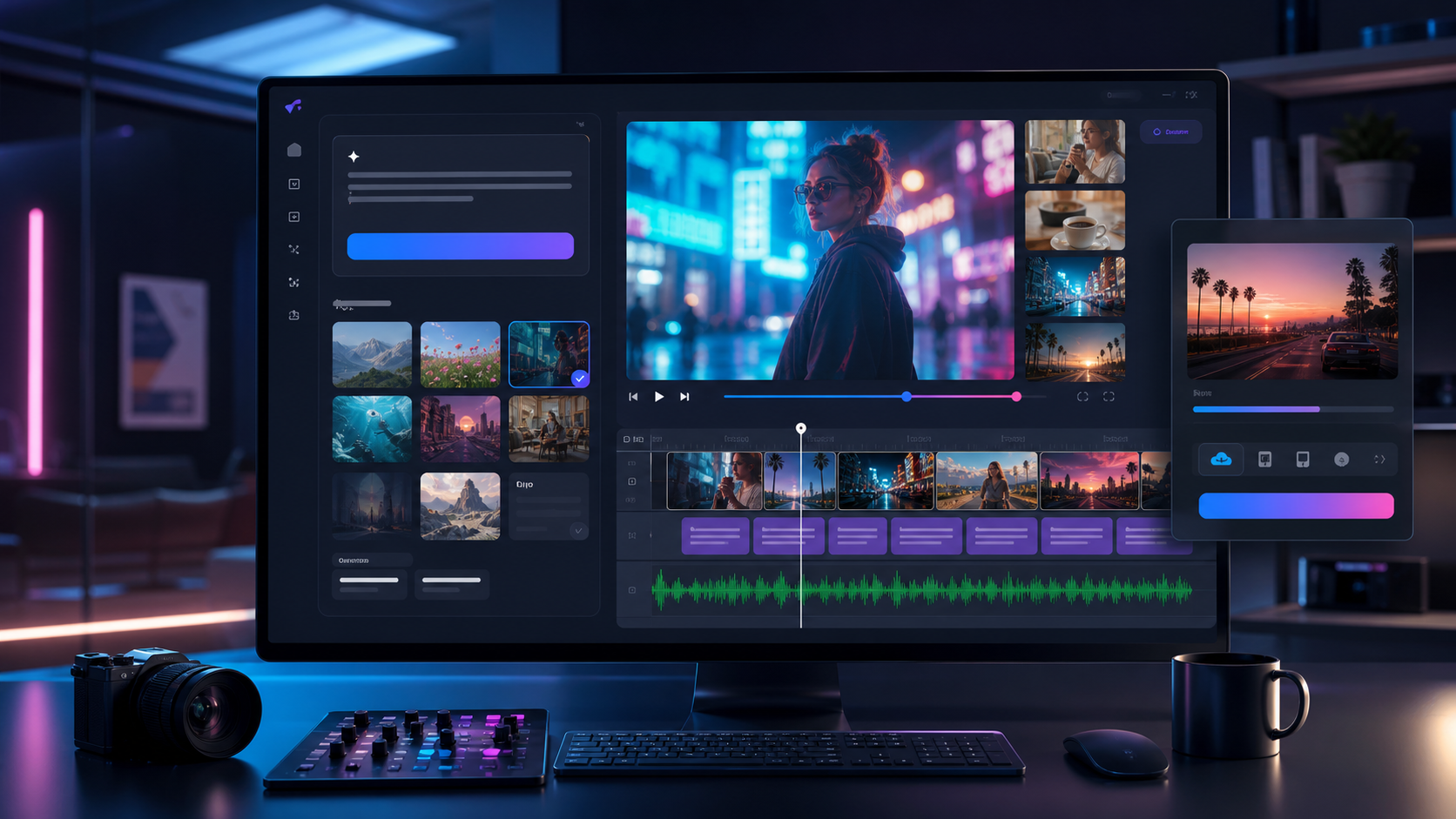
AI video workflow
Vidmonto as a Runway alternative
Vidmonto lets creators start from text, images, or footage, choose supported models, then continue into storyboard, visual controls, captions, music, voiceover, preview, and export.
One workspace after generation
The key difference is the handoff after the model returns a clip. Vidmonto keeps captions, music, visual adjustments, preview, and export close to the generated asset.
Text, image, and video starting points
Creators can begin from a written prompt, a product image, a reference frame, or source footage instead of forcing every project through the same input path.
Model choice without rebuilding the workflow
When one model is not the right fit, Vidmonto lets teams try another supported model while keeping the same production and delivery process.
Limitation to consider
Vidmonto is best when you want a complete workflow. If you only need a single raw Runway-style generation, a model-specific tool may be enough.
2. Kling
Best for: detailed text-to-video and image-to-video motion

AI video workflow
Kling as a Runway alternative
Kling is useful when the scene needs polished movement, product detail, or image-driven generation.
Where it fits
Kling is most useful for detailed text-to-video and image-to-video motion. It belongs near the top of the shortlist when the visual style matches the campaign before any editing begins.
Production advantage
Use Kling when you want to test a distinct generation style quickly. It can give creative teams another direction to compare against the default single-model workflow.
What to plan around
The practical bottleneck is usually not the first generated clip. Teams still need a reliable way to choose takes, add captions, add audio, review, and export a finished asset.
Limitation to consider
It is still a model choice, so finishing captions, music, and export usually needs another workflow.
3. Veo
Best for: cinematic brand and lifestyle scenes
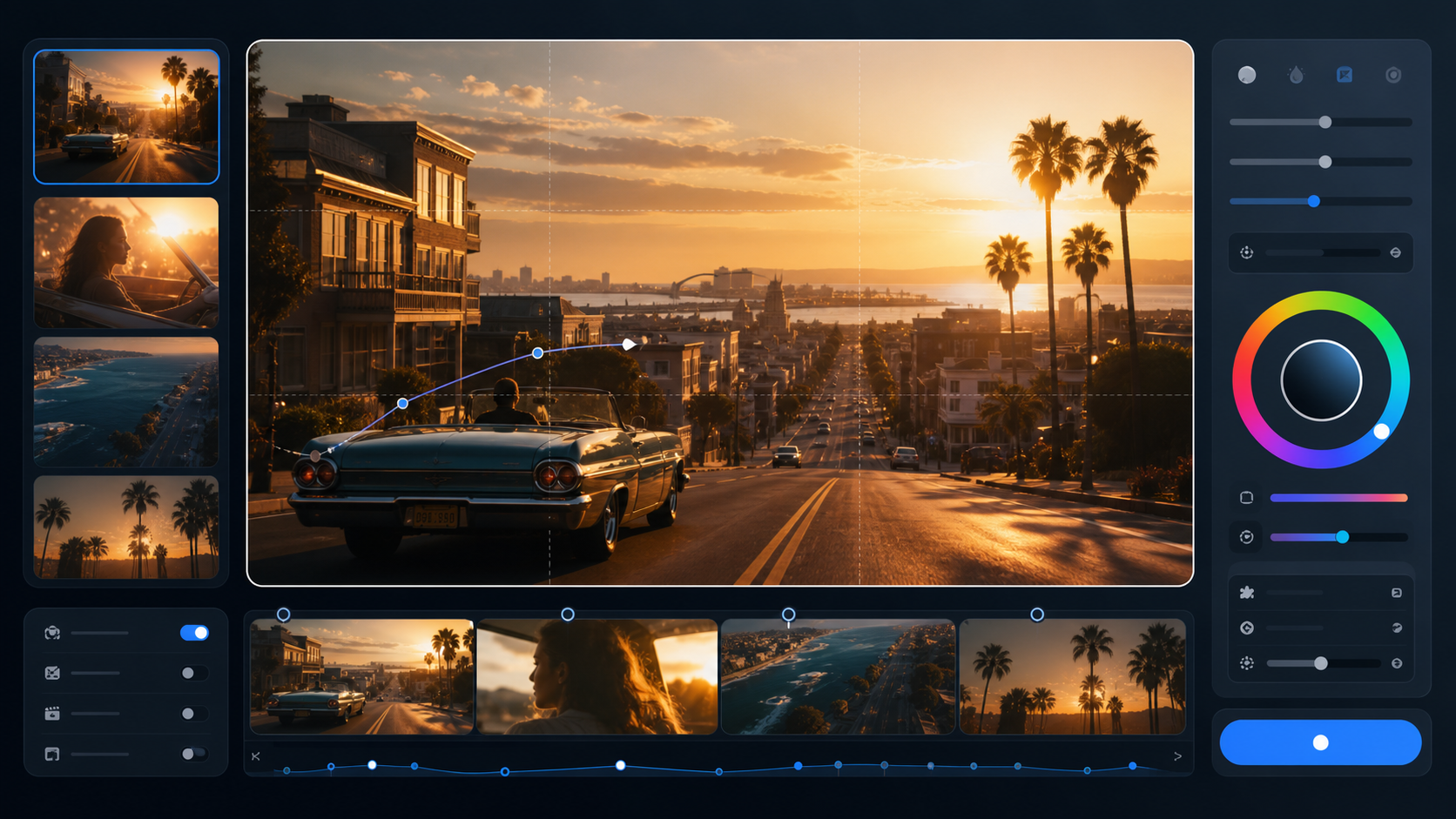
AI video workflow
Veo as a Runway alternative
Veo is a strong option when realism, camera language, and commercial polish matter.
Where it fits
Veo is most useful for cinematic brand and lifestyle scenes. It belongs near the top of the shortlist when the visual style matches the campaign before any editing begins.
Production advantage
Use Veo when you want to test a distinct generation style quickly. It can give creative teams another direction to compare against the default single-model workflow.
What to plan around
The practical bottleneck is usually not the first generated clip. Teams still need a reliable way to choose takes, add captions, add audio, review, and export a finished asset.
Limitation to consider
It is best treated as a generation engine, not a complete post-production workspace.
4. Sora 2
Best for: expressive prompt-following and concept exploration

AI video workflow
Sora 2 as a Runway alternative
Sora 2 can be useful for narrative prompts and creative tests where the prompt needs to carry the scene.
Where it fits
Sora 2 is most useful for expressive prompt-following and concept exploration. It belongs near the top of the shortlist when the visual style matches the campaign before any editing begins.
Production advantage
Use Sora 2 when you want to test a distinct generation style quickly. It can give creative teams another direction to compare against the default single-model workflow.
What to plan around
The practical bottleneck is usually not the first generated clip. Teams still need a reliable way to choose takes, add captions, add audio, review, and export a finished asset.
Limitation to consider
Creators still need a way to assemble, caption, score, and export final deliverables.
5. Seedance
Best for: fast prompt-led social video production
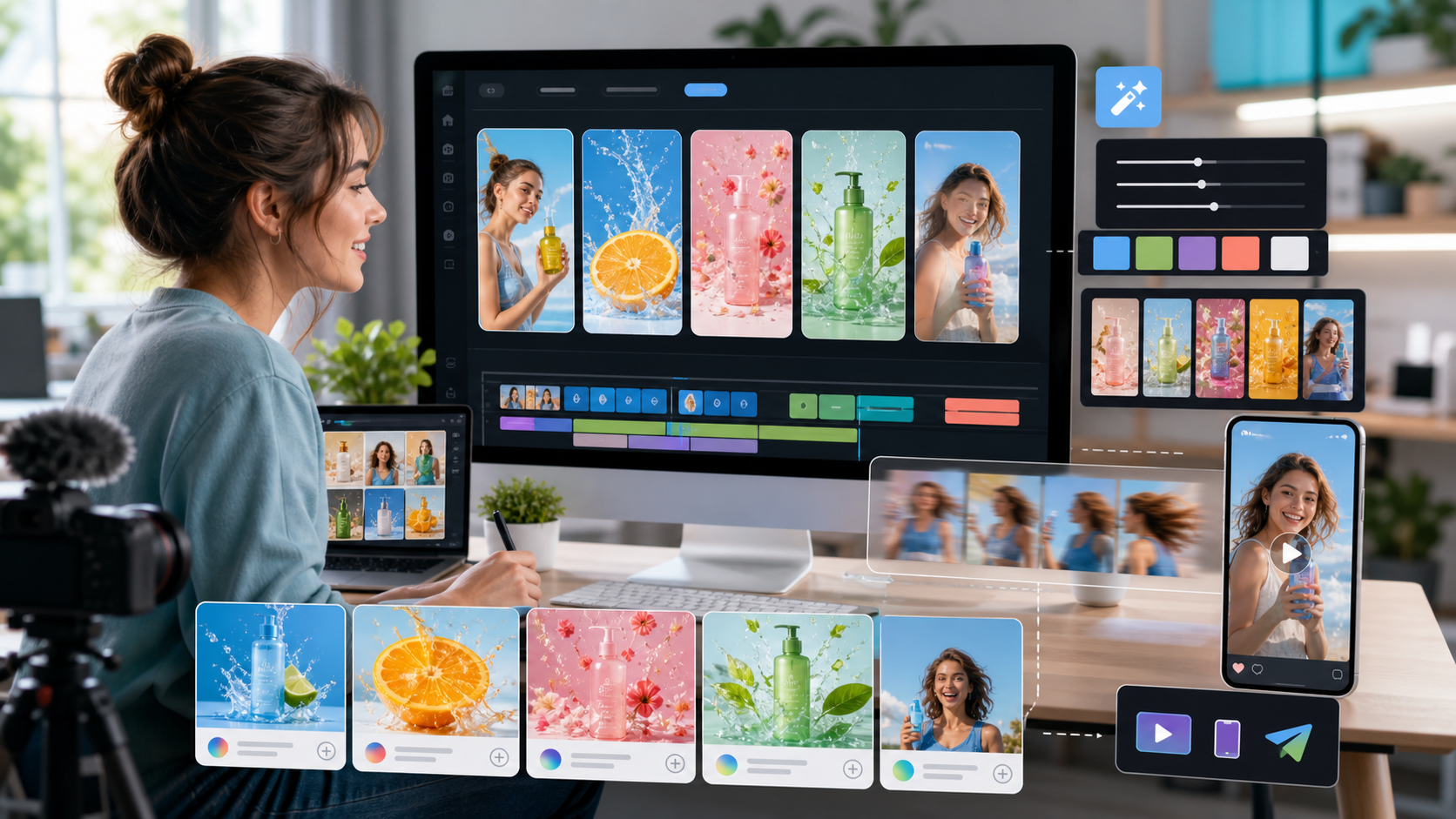
AI video workflow
Seedance as a Runway alternative
Seedance is a practical option for quick social videos, product clips, and storyboard-first campaigns.
Where it fits
Seedance is most useful for fast prompt-led social video production. It belongs near the top of the shortlist when the visual style matches the campaign before any editing begins.
Production advantage
Use Seedance when you want to test a distinct generation style quickly. It can give creative teams another direction to compare against the default single-model workflow.
What to plan around
The practical bottleneck is usually not the first generated clip. Teams still need a reliable way to choose takes, add captions, add audio, review, and export a finished asset.
Limitation to consider
The model output still benefits from a production layer for captions, audio, and final polish.
Alternative comparison table
| Alternative | Best for | Inputs | Post-production | Best user |
|---|---|---|---|---|
| Vidmonto | all-in-one Runway alternative for finished AI videos | text, image, and video | captions, music, effects, preview, export | creators shipping finished videos |
| Kling | detailed text-to-video and image-to-video motion | depends on the model or product | usually limited or separate | creators testing a specific generation style |
| Veo | cinematic brand and lifestyle scenes | depends on the model or product | usually limited or separate | creators testing a specific generation style |
| Sora 2 | expressive prompt-following and concept exploration | depends on the model or product | usually limited or separate | creators testing a specific generation style |
| Seedance | fast prompt-led social video production | depends on the model or product | usually limited or separate | creators testing a specific generation style |
Why Vidmonto is the workflow alternative
A Runway alternative should not only generate a clip. It should help you turn source material into a finished video with the model, captions, music, visual controls, preview, and export path in one place.
Try Vidmonto for freeConclusion
If you only need a quick raw generation, a single model or single-purpose editor can be enough. If the job is a finished video for social, marketing, or a client workflow, prioritize an alternative that keeps generation, review, captions, audio, and export together.
You might also like
FAQ
What is the best Runway alternative?
The best choice depends on whether you need raw generation or a finished-video workflow. Vidmonto is strongest when you want model choice plus captions, music, preview, and export.
Why do creators look for Runway alternatives?
Common reasons include pricing, workflow limits, model choice, creative control, and the need to finish videos without moving between multiple tools.
Is Vidmonto only a Runway replacement?
No. Vidmonto is an AI video generation and post-production workspace, so it can complement or replace single-purpose generation tools depending on the project.
Can I use multiple AI video models in Vidmonto?
Yes. Vidmonto exposes supported models through one workspace so you can choose the model that fits the creative brief.
Can Vidmonto handle post-production?
Yes. Vidmonto includes visual adjustment, captions, music, voiceover, preview, and download controls after generation.
Can I start from existing footage?
Yes. Vidmonto includes a video entry path for creators who want to bring in source clips and finish them with AI-assisted editing.